Place the numbers
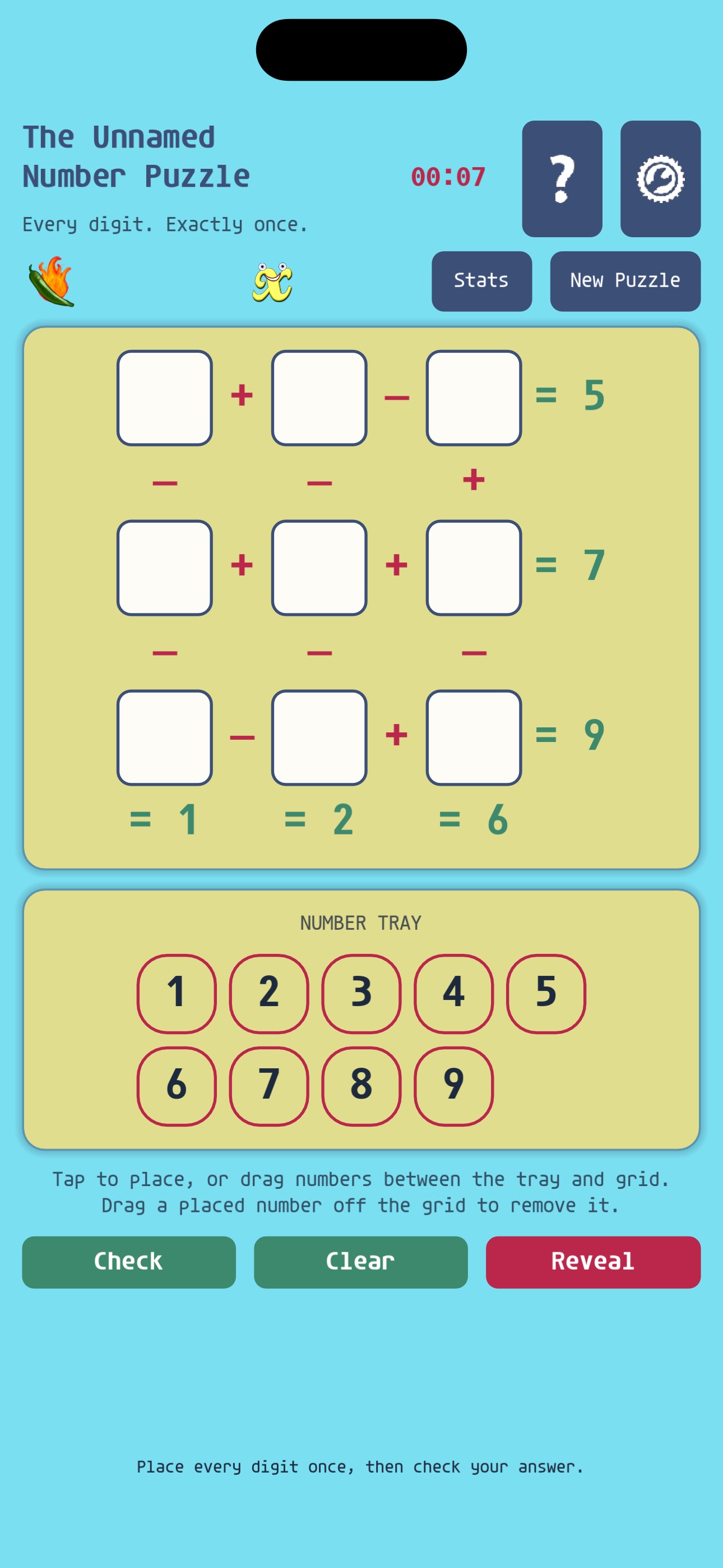
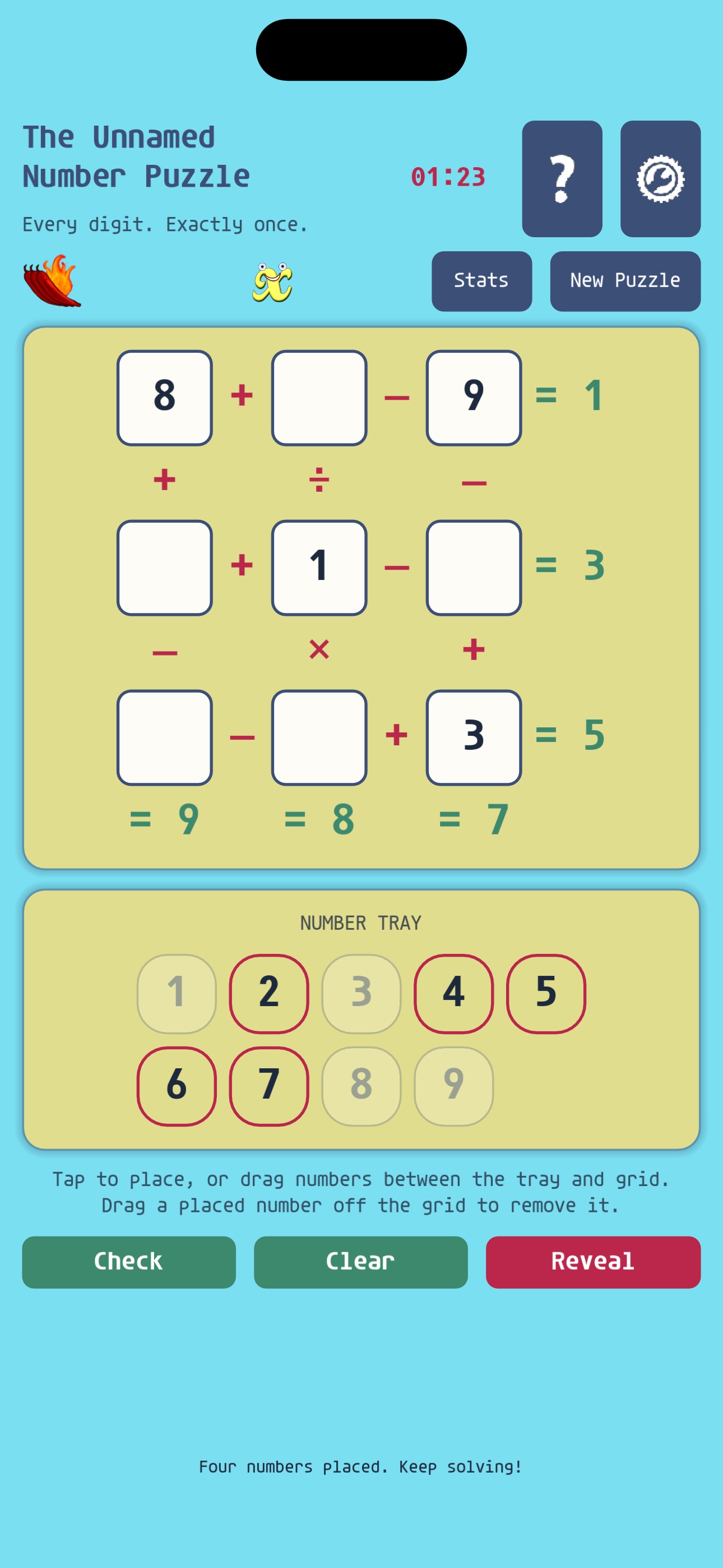
Drag a number from the tray to an empty square, or tap the number and then tap its destination.

Game guide and support
Place every digit exactly once. Build correct equations across and down, choose your challenge level, and see how quickly you can solve each puzzle.
Getting started
Use each number from 1 through 9 once. The numbers and operators in every row and column must produce the target shown at the end.
Drag a number from the tray to an empty square, or tap the number and then tap its destination.
Move numbers between squares to swap them. Send a number back to the tray by tapping it or dragging it off the grid.
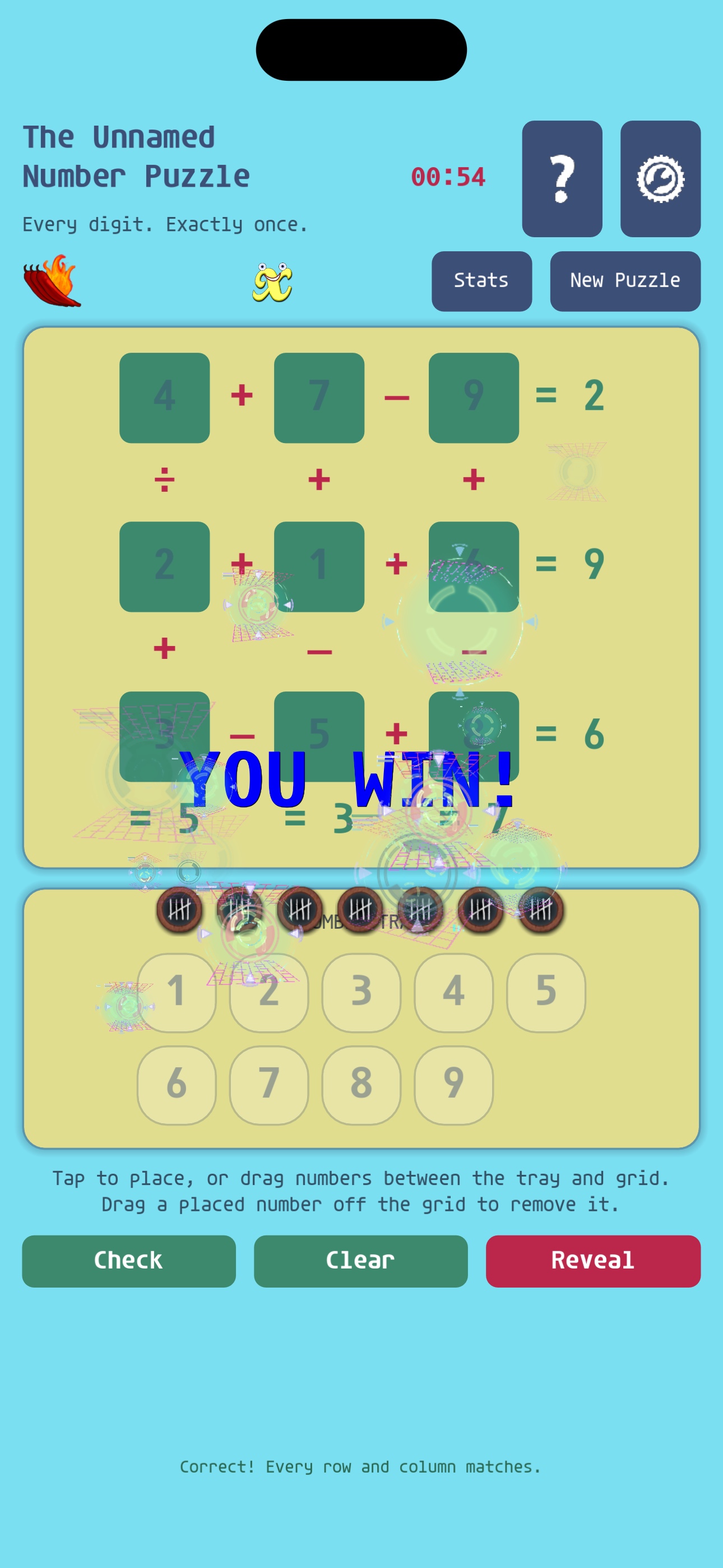
Select Check when every square is filled. Faster solves and harder difficulty levels earn more tallies.
A puzzle for every pace
Help
A Golden X lets you forfeit the current puzzle to reveal its solution or begin a new puzzle. You can hold up to three. You may earn another by solving a puzzle or, when available, by watching a rewarded ad.
Ad availability can vary by device, region, connection, consent settings, and current ad inventory. If no ad is available, try again later.
No. The game starts in local-play mode. Creating an optional cloud account saves supported statistics online and enables account features and leaderboards.
First link your cloud account to Apple or Google in the game’s settings. On another device, use the same provider and choose to restore the existing account when prompted.
Open Settings in the game and choose Delete Account. You can also review the account-deletion instructions on this website.
Still need help?
Tell us which device you are using, what you expected to happen, and what happened instead. Please do not send passwords or authentication codes.
Email Number Puzzle support