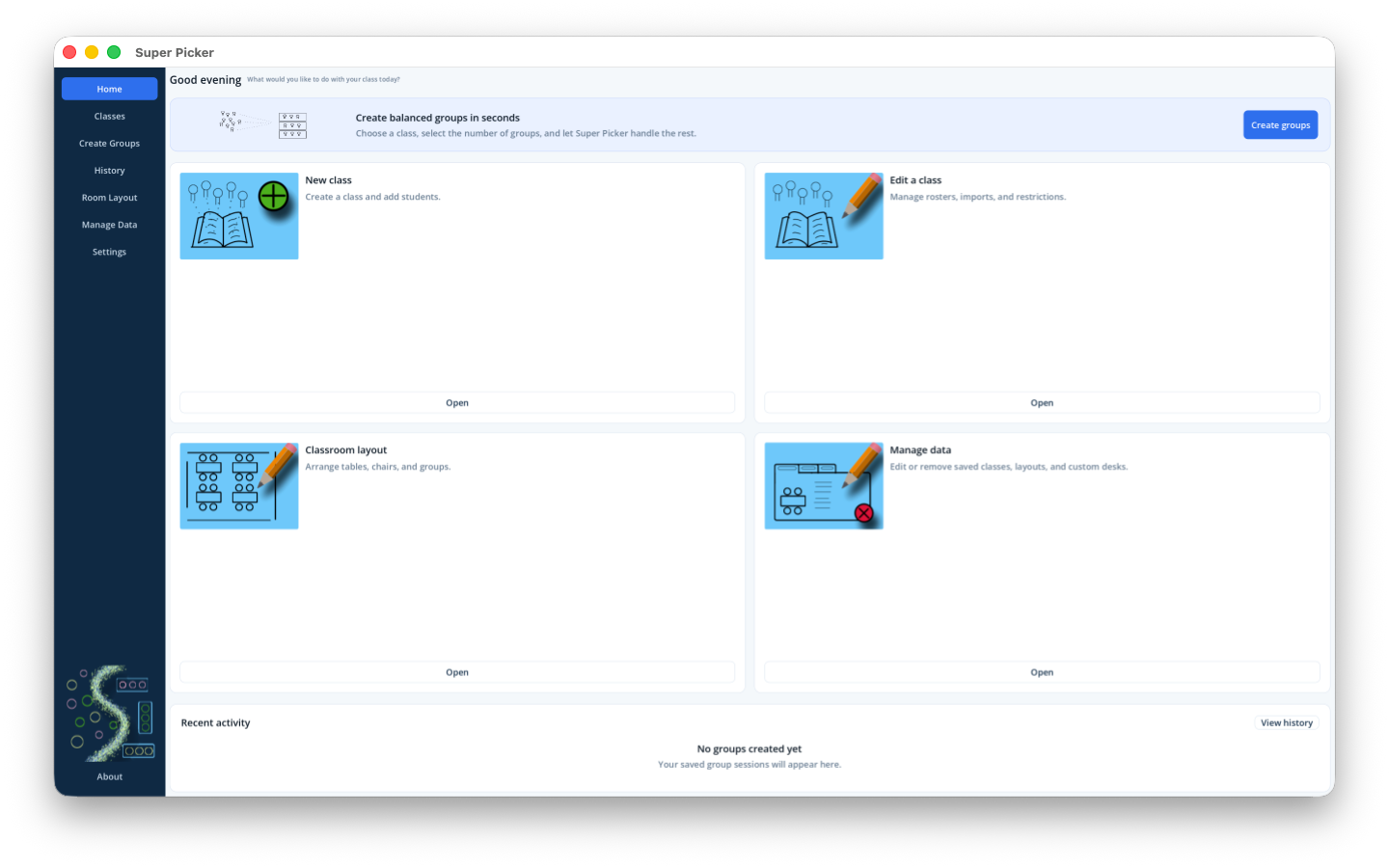
Fast class setup
Add students individually or import a CSV roster. Choose how names are displayed and temporarily mark absent students without changing the roster.
Classroom grouping and seating
Super Picker creates fresh random student groups, remembers the combinations that worked, and places each group into a reusable classroom layout all while keeping class data on your device.
Designed for real classrooms
Set up a class once, mark today's absences, generate groups, and reuse layouts without rebuilding your classroom every time.
Add students individually or import a CSV roster. Choose how names are displayed and temporarily mark absent students without changing the roster.
Every generation is fresh and random. Optional Prefer and Avoid rules, attendance, and whole-group feedback can guide the result.
Arrange tables, chairs, walls, and furniture sets. Place one generated group at each seating destination and adjust everything by dragging.
Reload saved group sessions, rate a group, add observations, and review feedback by student, class, or across all classes.
Classes, layouts, history, and feedback are stored locally. Create portable .superpicker backups whenever you choose. No cloud storage required.
Choose among multiple color themes, High Contrast, and Large Text. Responsive screens make practical use of a Mac, iPhone, or iPad display.
Instructions and help
The macOS and iOS manuals describe the same classroom workflow with platform-specific instructions for navigation, selection, scrolling, and files.
Mouse, trackpad, keyboard-assisted selection, macOS file dialogs, backups, and desktop room-layout controls.
macOS helpTouch navigation, selection mode, canvas scrolling, Files integration, and layouts optimized for landscape use.
iOS helpWindows, Android, and browser editions are planned. Their guides will become available after platform testing is complete.
Get Super Picker
Store links will be activated when each release is available.