Group history and feedback
Reload earlier groups and preserve ratings, preferences, and dated observations for future reference.
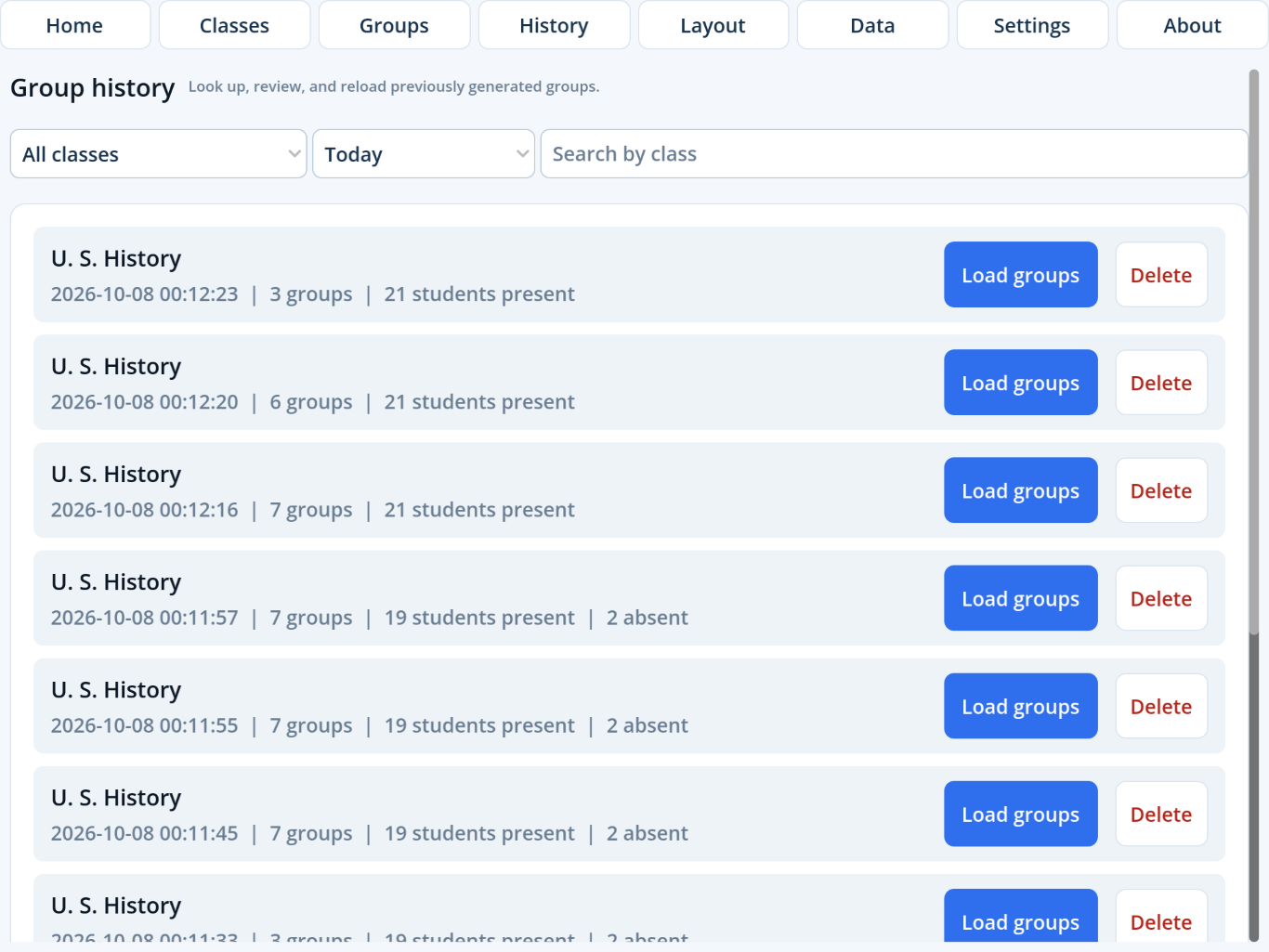
Browse group history
Tap History in the top navigation. Filter by class and date, or search by class name. Tap Load groups to reopen a session or Delete to remove the saved grouping.
Deleting history does not delete feedback.Feedback has its own durable record and its own delete action.
Record group feedback
- Tap the asterisk on an active group card.
- Optionally tap one to five stars.
- Optionally enable Prefer or Avoid for the exact complete grouping.
- Type a new comment near the top of the Comments section.
- Tap Save feedback.
Edit or delete prior comments
Open the feedback record and scroll below the new-comment field. Edit a dated comment in place or delete that comment without removing the rating and other observations.
Review or export feedback
- Open Classes and tap History on a student row.
- Choose This student, This class, or All feedback.
- Tap a dated record to review its group and comments.
- Tap Export CSV and choose a destination in Files.