Settings and accessibility
Select a readable palette, increase app-wide text, and choose whether old group sessions should be removed automatically.
Choose a theme
Tap Settings and choose Super Picker, Light, Dark, High contrast, Warm paper, or Forest. The theme applies to app screens, menus, dialogs, and the fallback file interface.
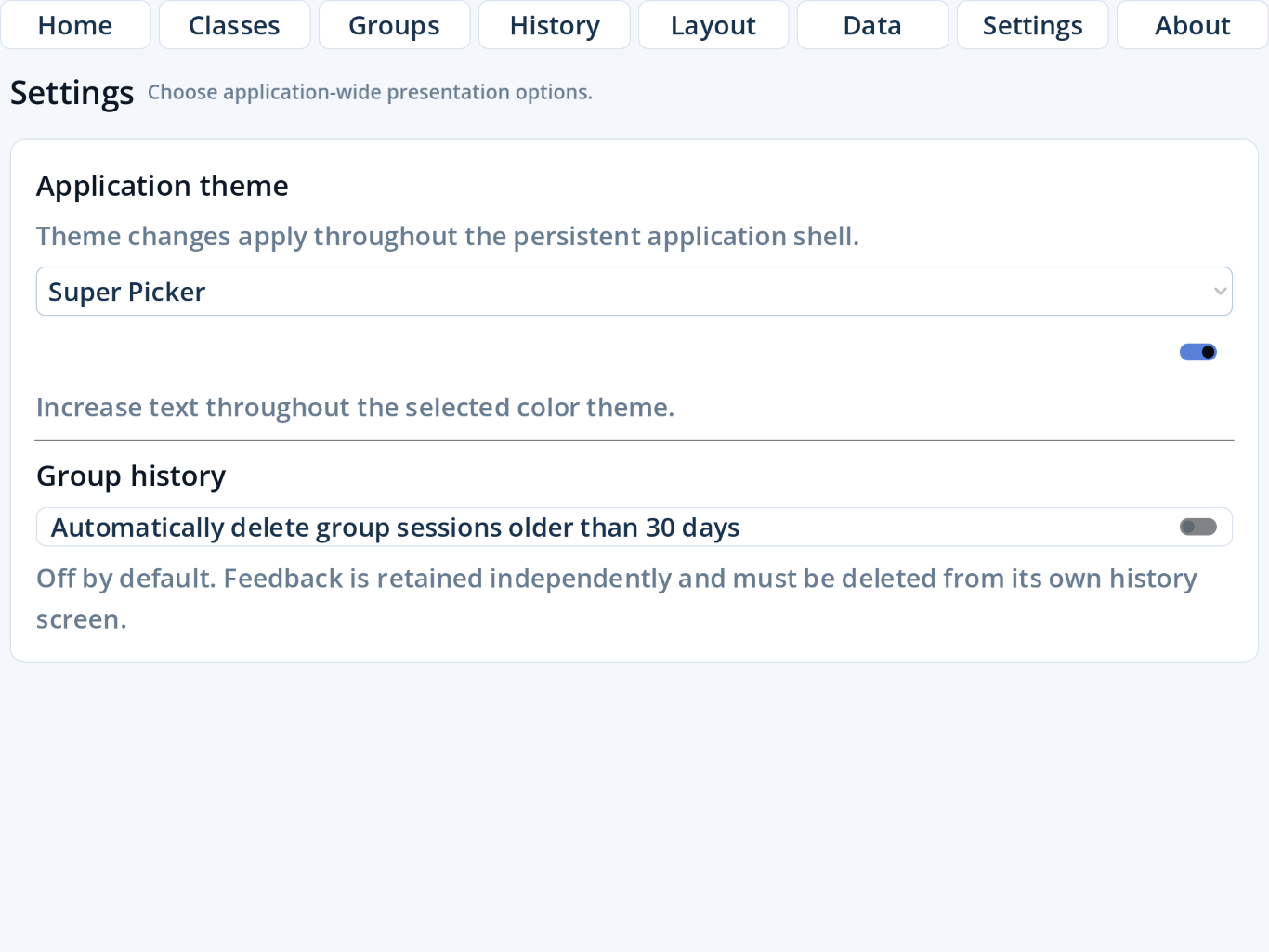
Turn on Large Text
Large Text works with every color palette and persists between launches. On an iPhone, some panels will require additional scrolling when it is enabled.
Remove old group sessions automatically
Turn on the 30-day option if you do not need long-term grouping history. It is off by default. Feedback remains until deleted separately.
Find the installed version
Swipe the app's top navigation to the right and tap About. The panel shows the application version. Tap Close or the close icon to dismiss it.
Make the best use of the display
- On iPad, hide Room Layout tools when arranging a large room.
- On iPhone, swipe horizontally in the app navigation and vertically inside long panels.
- Use High contrast plus Large Text when projecting or viewing from a distance.